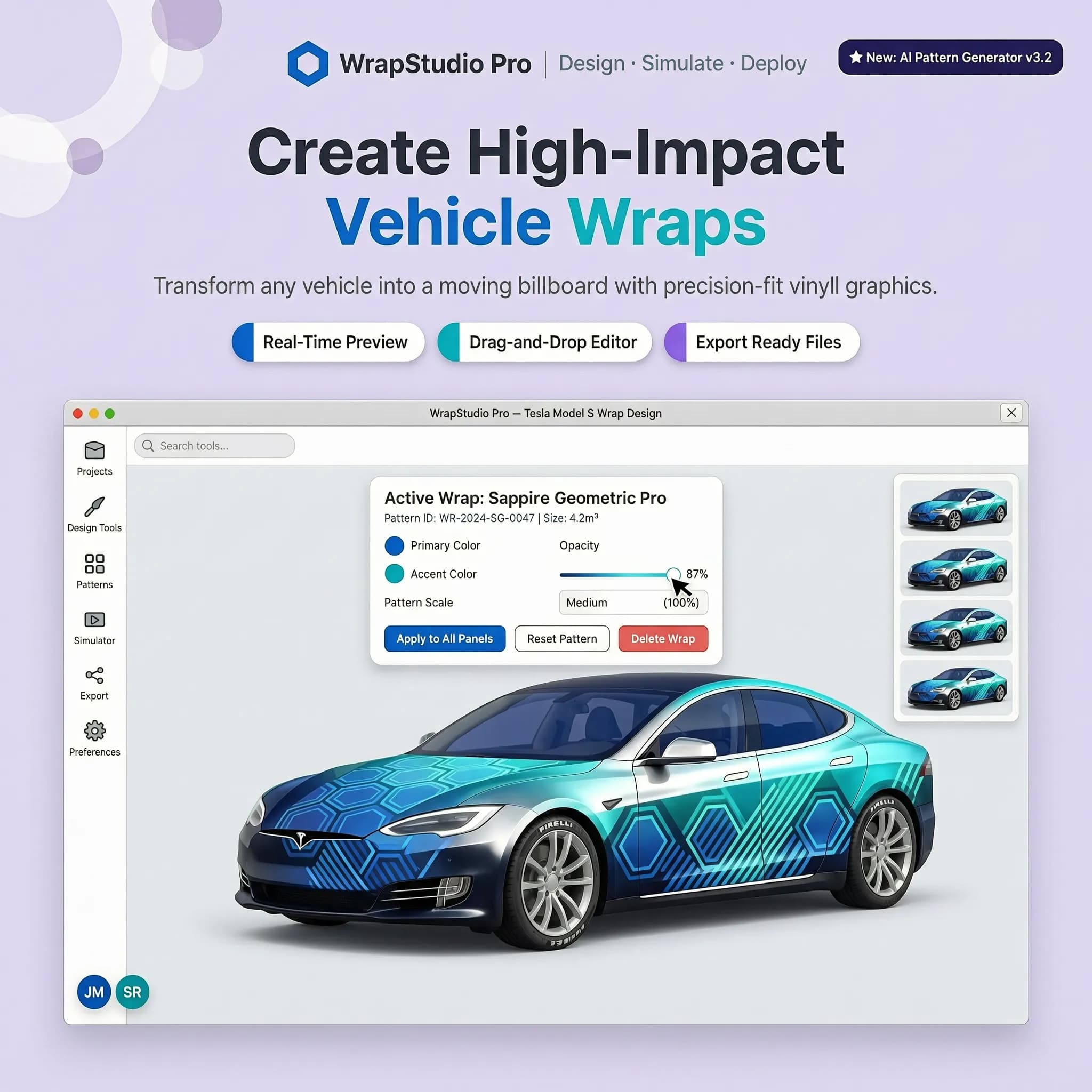

Standing in front of a showroom wall filled with tiny vinyl swatches can make your head spin. You hold up a tiny square of midnight metallic blue, tilt it toward the overhead lights, and try to picture how that exact shade will curve across your front fender, flow along the doors, and settle over the rear diffuser.
Here is the hard truth: small color samples lie.
A shade that looks breathtaking on a tiny plastic card can easily overpower your car's natural lines—or worse, completely wash out under daylight. If you want to avoid dropping thousands of dollars on film only to realize the look isn't right, you need a bulletproof way to preview your build first.
This guide breaks down how to take control of your vehicle's transformation, test every single finish digitally, and lock in a stunning look before a single sheet of vinyl touches your paint.
1. How to Visualize a Car Wrap Before Installing It
Committing to a full vehicle transformation without a visual test is an expensive leap of faith. Most owners find themselves stuck with one burning question: "I like this color, but how will it look on my actual car?"
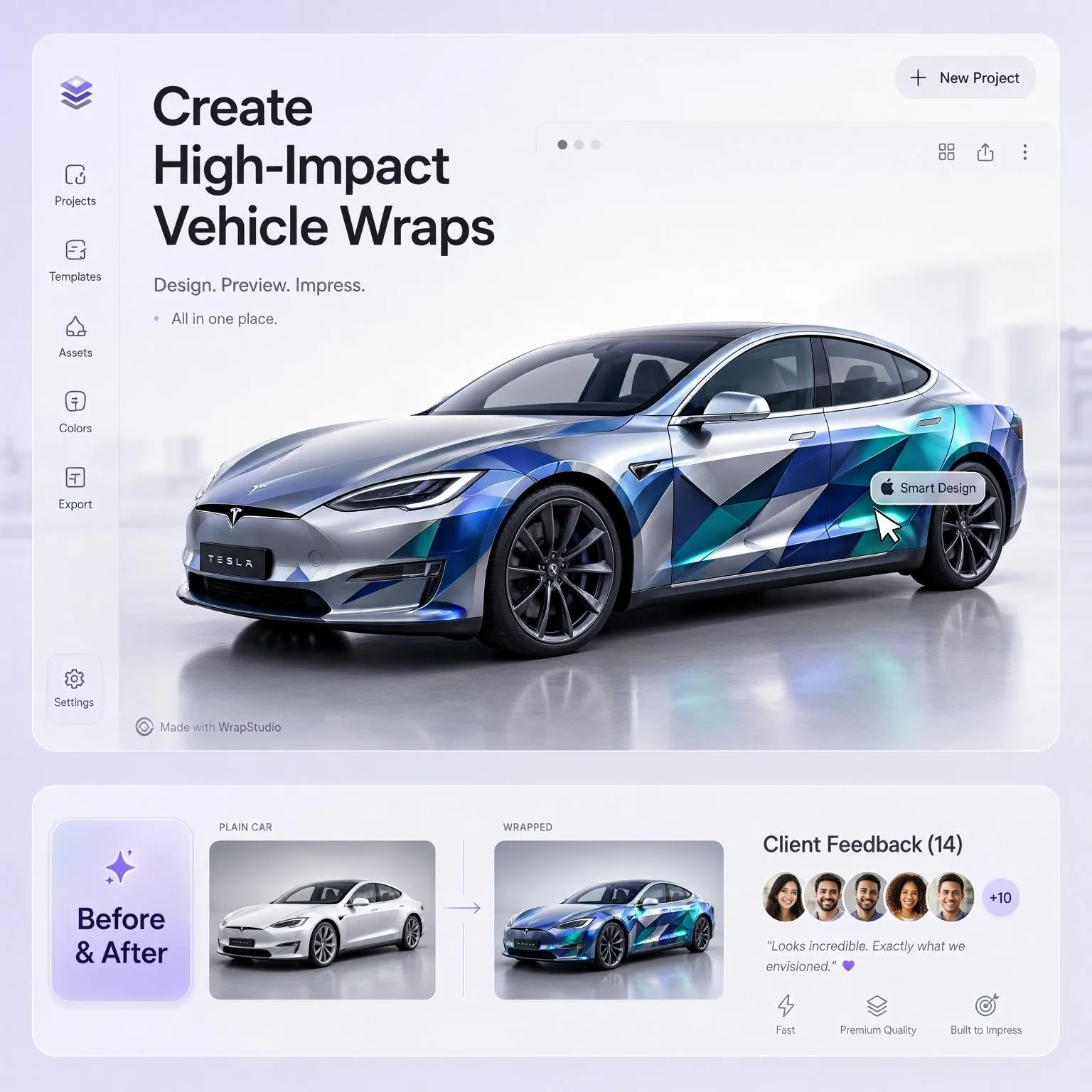
The goal is absolute clarity. Instead of relying on guesswork, modern digital previews allow you to map full color shifts across every body panel instantly. By accessing a high-resolution vehicle wrap customizer, you transform your raw ideas into a high-definition preview within seconds.
Here's the kicker: drivers who test their concepts digitally first report zero post-installation regret because they already know exactly how the finished vehicle looks on the road.
2. Why a Wrap Color That Looks Good on a Sample Can Look Different on Your Car
Have you ever seen a finish online that looked incredible, only to hold the physical sample and feel disappointed? You naturally ask yourself: "The swatch looks perfect, but will it suit my vehicle?"
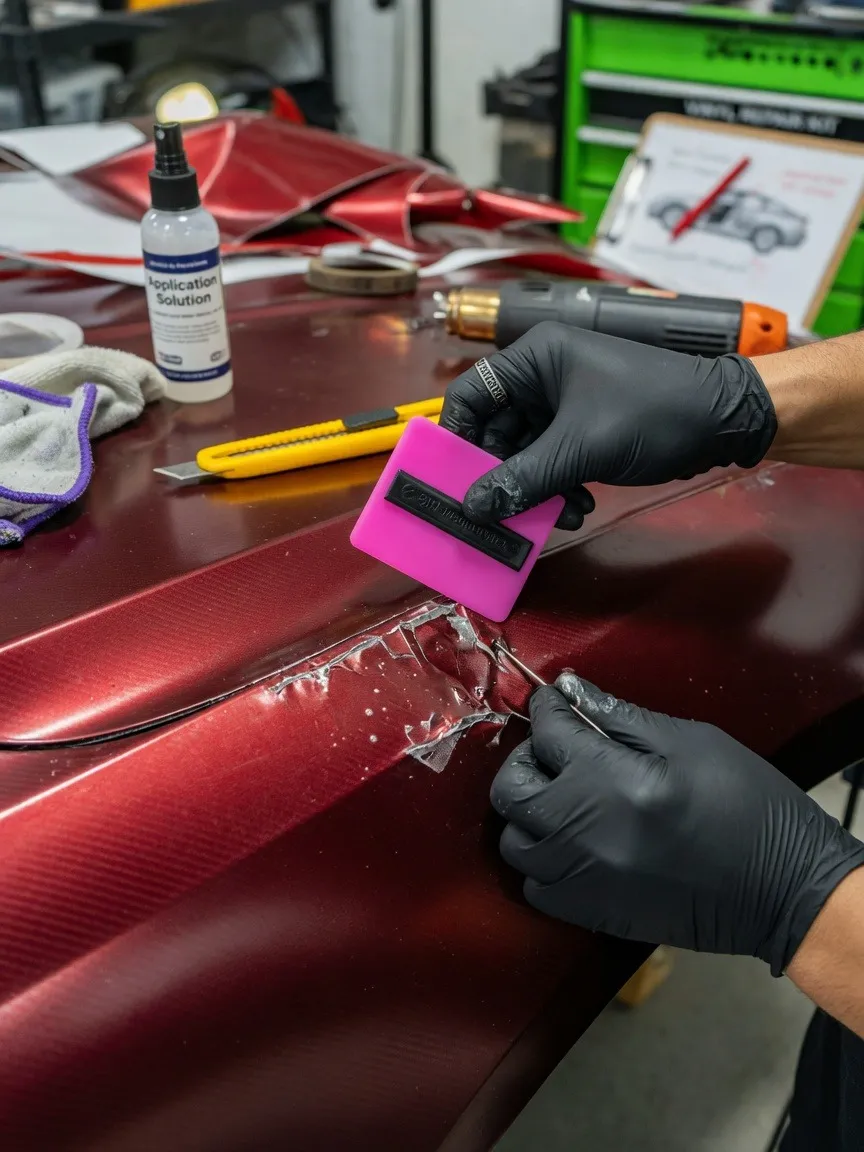
A 2-inch plastic swatch cannot account for how direct sunlight bounces off complex body contours. Flat swatches lack depth, while real cars feature dramatic curves, recessed body lines, and distinctive door handles that cast dynamic shadows. To learn more about how physical surfaces handle vinyl application, check out our guide on whether car wraps can be installed over factory paint.
3. Start With a Photo of Your Own Car, Not a Random Example
Scrolling through social media photos of supercars wrapped in satin chrome might give you inspiration, but it won't show you reality. Deep down, your mind insists: "I want to see my car in the new color, not somebody else's."
Your car has its own distinct proportions, factory trim, window tint, and wheel stance. Uploading a crisp, well-lit photo of your specific vehicle grounds the entire design process in reality. Instead of trying to force an aggressive concept onto a generic stock vehicle, mapping colors directly onto your personal vehicle creates instant visual validation.
4. Use a Car Wrap Visualizer to Preview Different Colors and Finishes
Tinkering with complex graphics software or paying designers for endless revisions wastes precious time. When you ask, "Is there an easier way to compare options without editing everything myself?", the answer lies in smart digital automation.
Using an intuitive car wrap visualizer strips away all technical friction. You simply select a shade, pick a finish, and watch the software render the transformation instantly. If you want to see how modern browser tools compare against manual graphic design software, read our full breakdown on AI wrap mockups vs Photoshop.
5. Matte, Gloss, Satin, or Metallic: Compare the Finish Before Choosing
Choosing the right color is only half the battle; selecting the surface sheen dictates your car's entire personality. When you catch yourself thinking, "I know the color I want, but I can't decide on the finish," you need a side-by-side texture comparison.
Every finish interacts with ambient light in a completely distinct way:
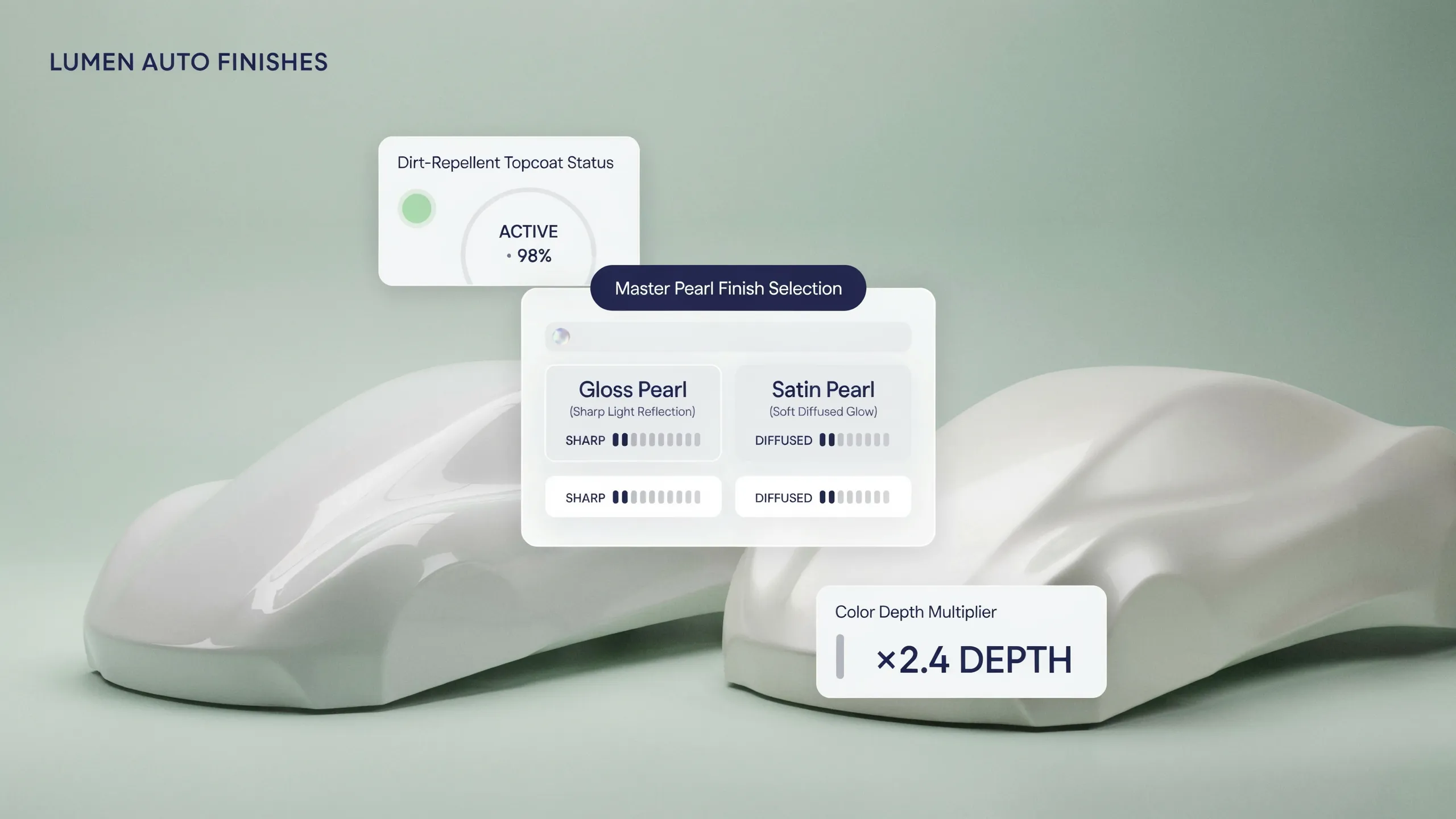
- Gloss: Delivers a deep, mirror-like reflection that mimics high-end factory clear coats.
- Matte: Completely eliminates glare, absorbing light to accentuate aggressive creases and broad panels.
- Satin: Striking the ultimate balance, it offers a subtle, silky sheen that highlights curvature without harsh glare.
- Metallic: Packed with micro-flakes that pop intensely under direct sunshine.
To explore how these surface textures hold up under daily driving conditions, take a look at our side-by-side review of comparing flat textures against glossy finishes.
6. Try Bold Colors Before You Commit to a Full Wrap
Wanting to step out of your comfort zone is exciting, but fear often creeps in: "What if I regret choosing such a noticeable color?"
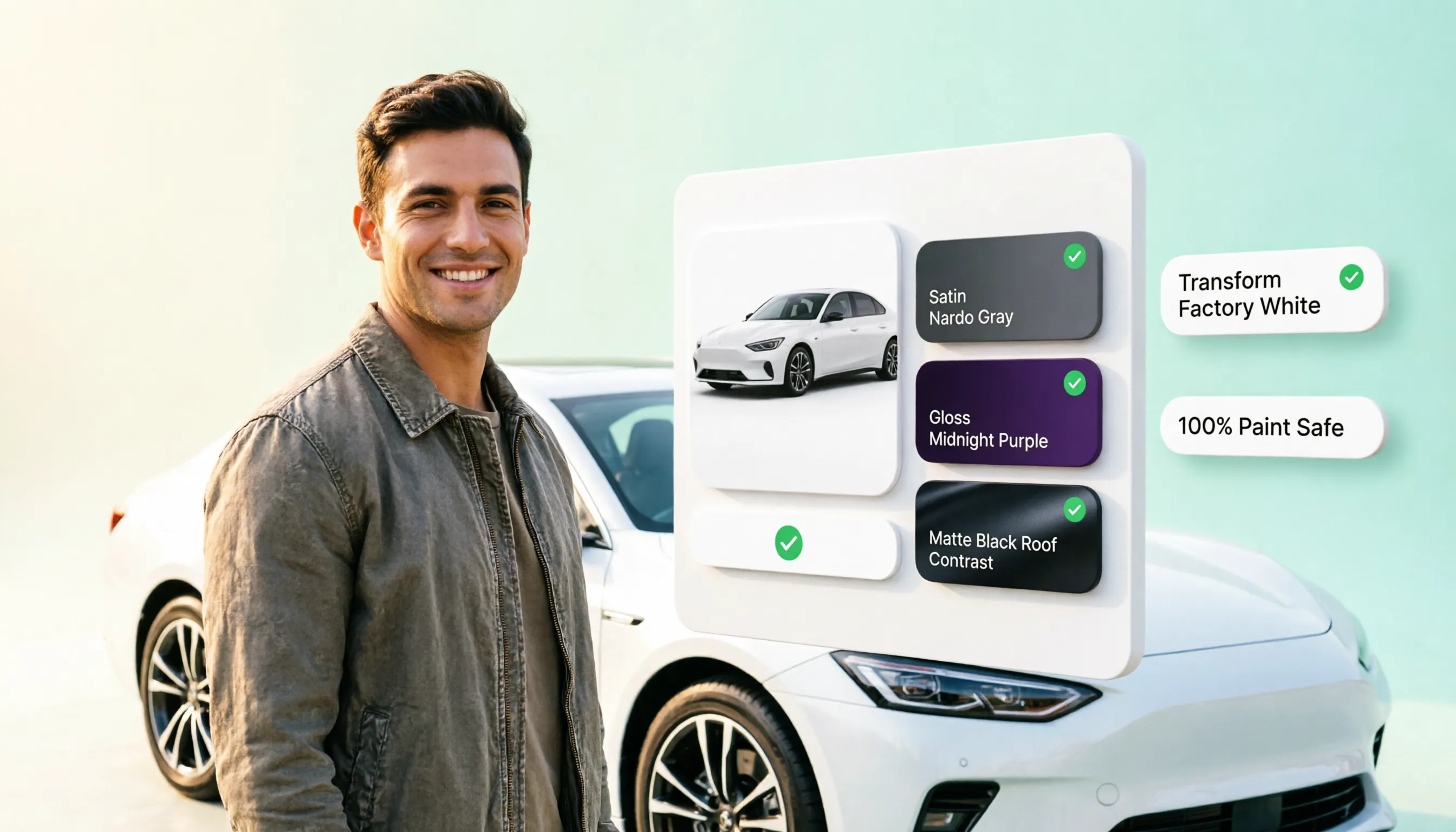
Digital testing gives you a safe sandbox to experiment without financial risk. Try that ultra-loud Nardo Gray, liquid copper, or vibrant acid green on screen first. If it feels too aggressive, you can pivot instantly to an understated tone without losing a cent. To get fresh inspiration across high-impact palettes, browse our curated collection of the best wrap color ideas.
7. How to Compare Two Wrap Colors Without Relying on Memory
Flipping back and forth between different open tabs makes it impossible to make a firm decision. If you keep switching because you cannot picture the subtle differences side by side, choice overload has set in.
Instead of relying on mental memory, save high-resolution renders of your top choices on the exact same vehicle photo. Laying two concepts side by side under identical lighting conditions makes minor differences in undertone instantly obvious, helping you make a confident decision faster.
8. Check How the New Color Looks From Different Angles
A color might look sensational from a direct side profile, but what happens when light hits the long expanse of the hood or wraps around the rear bumper? Owners frequently wonder: "The side looks great, but what about the hood and rear bumper?"
Vehicle panels sit at completely different pitch angles relative to the sun. A hood reflects sky light directly upward, while side doors pick up ground reflections. Previewing your build across multiple perspectives prevents awkward surprises after the wrap shop finishes installation.
9. Can a Digital Car Wrap Preview Show the Real Vinyl Finish?
It is natural to be skeptical of digital tools. You might reasonably ask: "Will the actual wrap look exactly like the preview?"
Digital visualizers provide an extraordinarily accurate benchmark for color placement, contrast, and overall aesthetic vibe. However, physical vinyl interacts with real-world environments. While digital renders give you 95% certainty, using your digital output to guide your final physical sample check guarantees complete precision.
10. Use Your Preview to Narrow Down Vinyl Samples Worth Seeing in Person
Ordering dozens of physical vinyl swatches gets expensive quickly and clutters your workspace. You might ask: "How do I know which options are worth ordering samples for?"
Let your digital simulator do the heavy lifting first. Test 20 or 30 shades online, eliminate the ones that don't match your car's character, and narrow your list down to the top two or three contenders. From there, order physical sample strips only for your absolute favorites. Once you have selected your ideal material, you can easily calculate your exact roll requirements using our vinyl wrap calculator.
11. What to Check Before Sending Your Chosen Wrap Color to an Installer
You've tested the looks, compared the sheens, and held the physical swatches. Now comes the critical pre-booking checkpoint. When asking, "What should I confirm before paying for the job?", run through this simple verification list:
1. Paint Condition: Ensure your clear coat is healthy; if you have deep scratches, check our guide on whether you can wrap a car with scratches.
2. Film Availability: Verify that your installer can source the exact manufacturer roll and batch number you chose.
3. Turnaround & Care: Confirm installation timelines and review essential post-wrap care advice like how to wash a wrapped car.
12. From Digital Preview to Your Final Wrap Decision
You have moved from initial inspiration to a concrete, visual plan. When you reach the point of thinking, "I've found a look I like—what's the next step?", the path forward is crystal clear.
Export your final rendered design, hand the exact color codes to your chosen wrap shop, and schedule your transformation date.
Ready to turn your vision into reality? Launch the Car Wrap Visualizer right now, upload your ride, and design your dream build today!
.webp)
Frequently Asked Questions: How to Visualize a Car Wrap Before Installing
Here are the top 12 real-world questions car owners, drivers, and customizers ask when trying to preview, test, and render wrap designs before committing to installation.

1. How can I visualize a car wrap on my actual car before installing it?
You can visualize a car wrap on your specific vehicle by uploading a clean, well-lit photo of your car into a high-definition vehicle wrap customizer. Digital visualizers allow you to project liquid color shifts, custom graphics, and specialized surface finishes directly onto your vehicle's unique body contours, eliminating the risk of blind guessing.
2. Why does a vinyl wrap color look so different on my car compared to a small swatch?
Small plastic sample swatches lie because they cannot reflect light the way a full vehicle does. Flat swatches lack geometric depth, whereas your real vehicle features aggressive body lines, recessed panel gaps, door handles, and curved fenders that cast dynamic highlights and shadows under natural sunlight.
3. Can I test different wrap finishes like matte, gloss, satin, and metallic digitally?
Yes. Modern digital car wrap simulators allow you to toggle seamlessly between surface sheens on the exact same vehicle photo. You can instantly evaluate how a deep, reflective high-gloss finish compares against a light-absorbing matte texture or a silky satin tone without buying physical rolls or ordering material samples.
4. Is it better to visualize a wrap using a photo of my own car or a generic 3D model?
Visualizing a wrap using a real photo of your personal car is vastly superior. Generic stock photos fail to account for your vehicle's specific body proportions, wheel stance, window tint level, and aftermarket trim. Mapping custom colors directly onto your own ride provides instant visual validation grounded in reality.
5. How do I compare two car wrap colors side-by-side without relying on memory?
To compare candidate colors accurately, render and save high-resolution digital previews of your top two choices on the exact same vehicle photo under identical lighting conditions. Laying both digital concepts side-by-side on one screen prevents choice overload and reveals subtle color undertones that you would otherwise miss.
6. Will a digital car wrap preview show me how the vinyl looks from different angles?
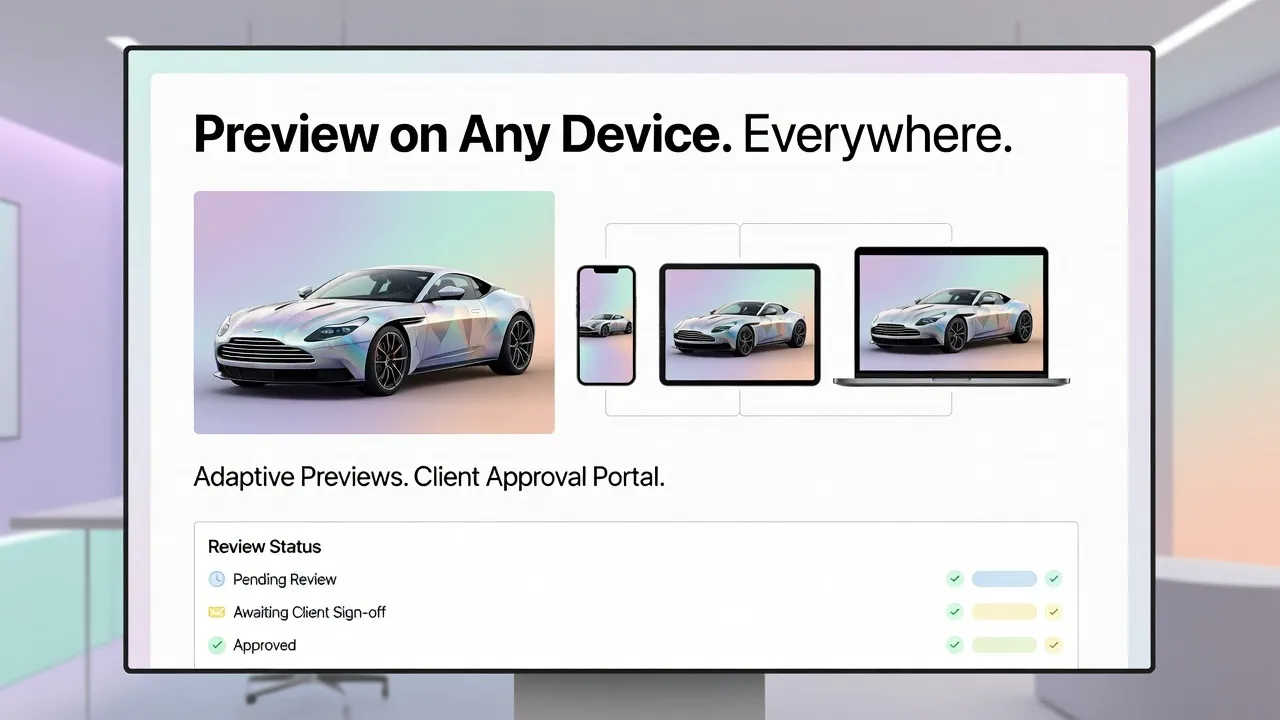
A digital car wrap preview allows you to test color placement across major body sections—including the hood, roof, doors, and bumpers. Because different panels sit at varying angles relative to the sun, inspecting a complete multi-perspective layout ensures the color holds its visual appeal from every angle before installation day.
7. How accurate are digital wrap color previews compared to actual physical vinyl?
High-resolution digital previews provide an extraordinarily accurate benchmark (around 95% precision) for visual contrast, body line alignment, and overall aesthetic vibe. Because computer screens emit light while physical film reflects ambient light, using a digital visualizer to narrow down your top choices before making a final sample check guarantees absolute accuracy.
8. Can I use a car wrap visualizer to test bold or unconventional colors risk-free?
Absolutely. A digital car wrap simulator gives you a safe, zero-risk environment to test radical color transformations—like liquid copper, satin emerald, or aggressive Nardo Gray—before spending thousands of dollars on materials. If a bold shade overpowers your car's natural shape on screen, you can pivot instantly to a timeless neutral with a single click.
9. How do I narrow down which physical vinyl wrap samples are worth ordering?
Instead of ordering dozens of expensive sample swatches, let your digital simulator do the heavy lifting first. Test dozens of color and finish combinations online, eliminate the shades that clash with your vehicle's character, and shortlist your top two or three favorite contenders to evaluate in physical sample form.
10. Can I preview two-tone wrap designs or partial wraps before buying materials?
Yes. Digital preview tools allow you to isolate individual panels—such as creating a blacked-out contrast roof, a bonnet overlay, or custom side accents. Testing two-tone combinations digitally ensures the visual proportions balance properly with your vehicle's body styling before you cut into raw vinyl rolls.
11. What should I do after I create a digital wrap preview I completely love?
Once you lock in your ideal look on screen, export your high-resolution render and share the exact color name, finish code, and design file directly with your professional wrap shop. Your installer can then use your digital blueprint to verify film stock availability, calculate precise roll dimensions, and deliver an exact real-world match.
12. How does testing a car wrap virtually save money on my installation project?
Virtual testing saves money by preventing costly post-installation regret and eliminating wasted raw materials. Drivers who preview their builds digitally avoid buying expensive film rolls only to realize the shade clashes with their paint, ensuring total satisfaction before a single piece of vinyl touches the car.