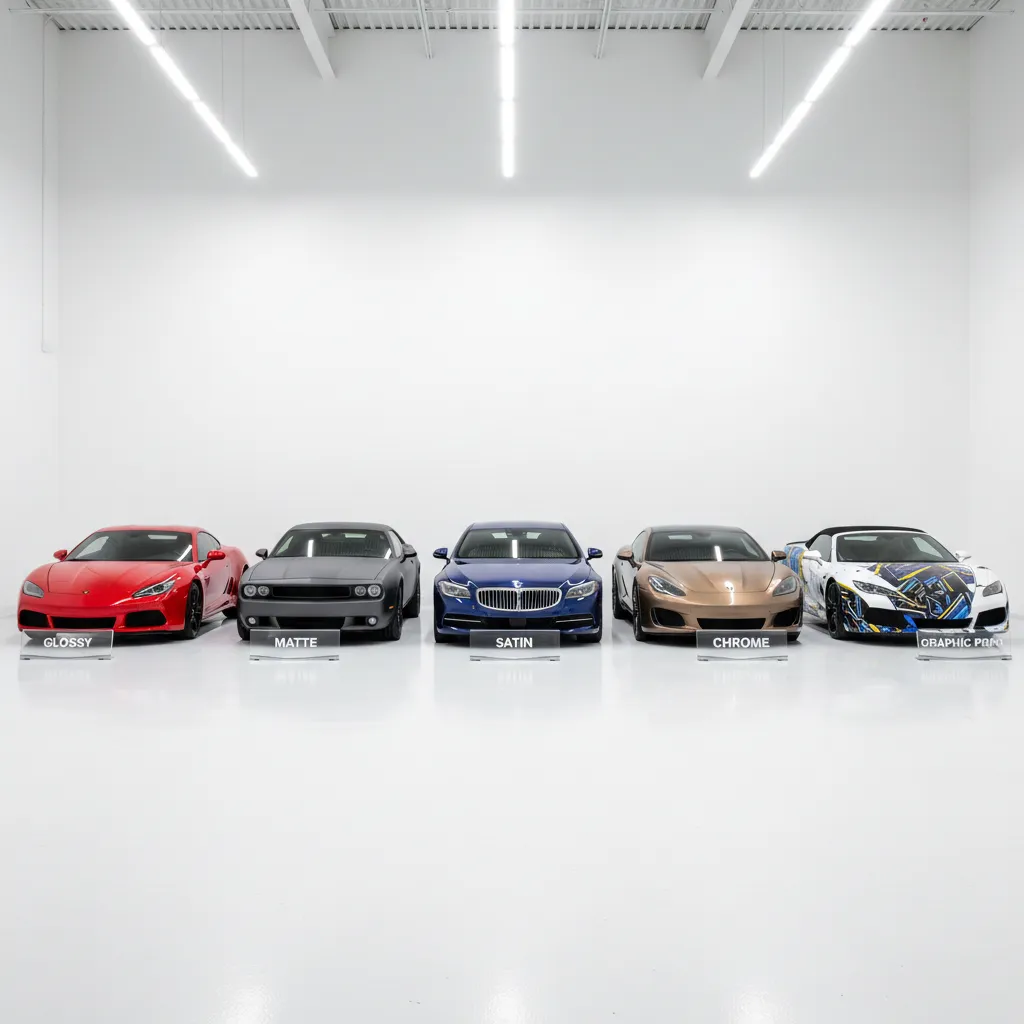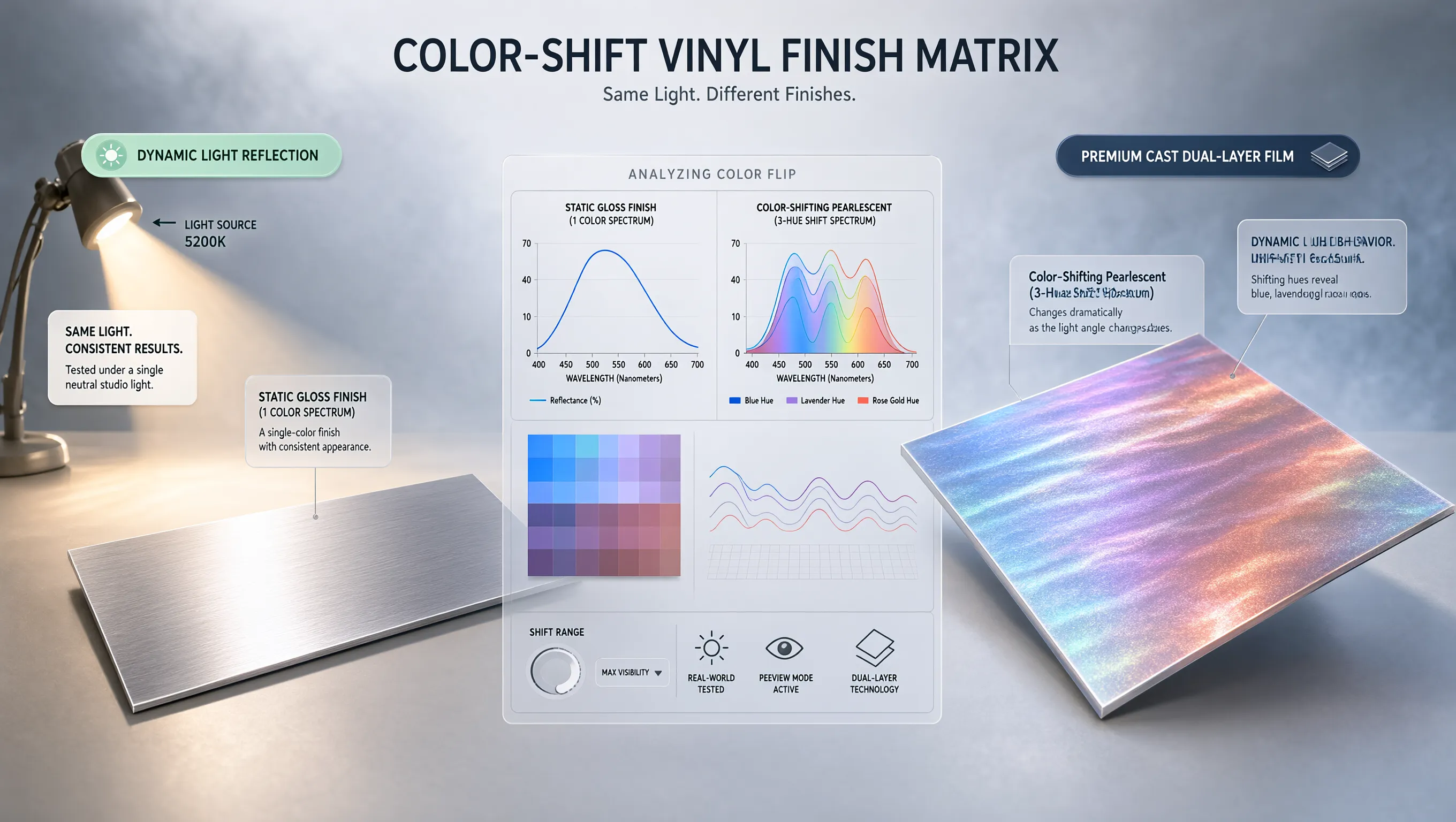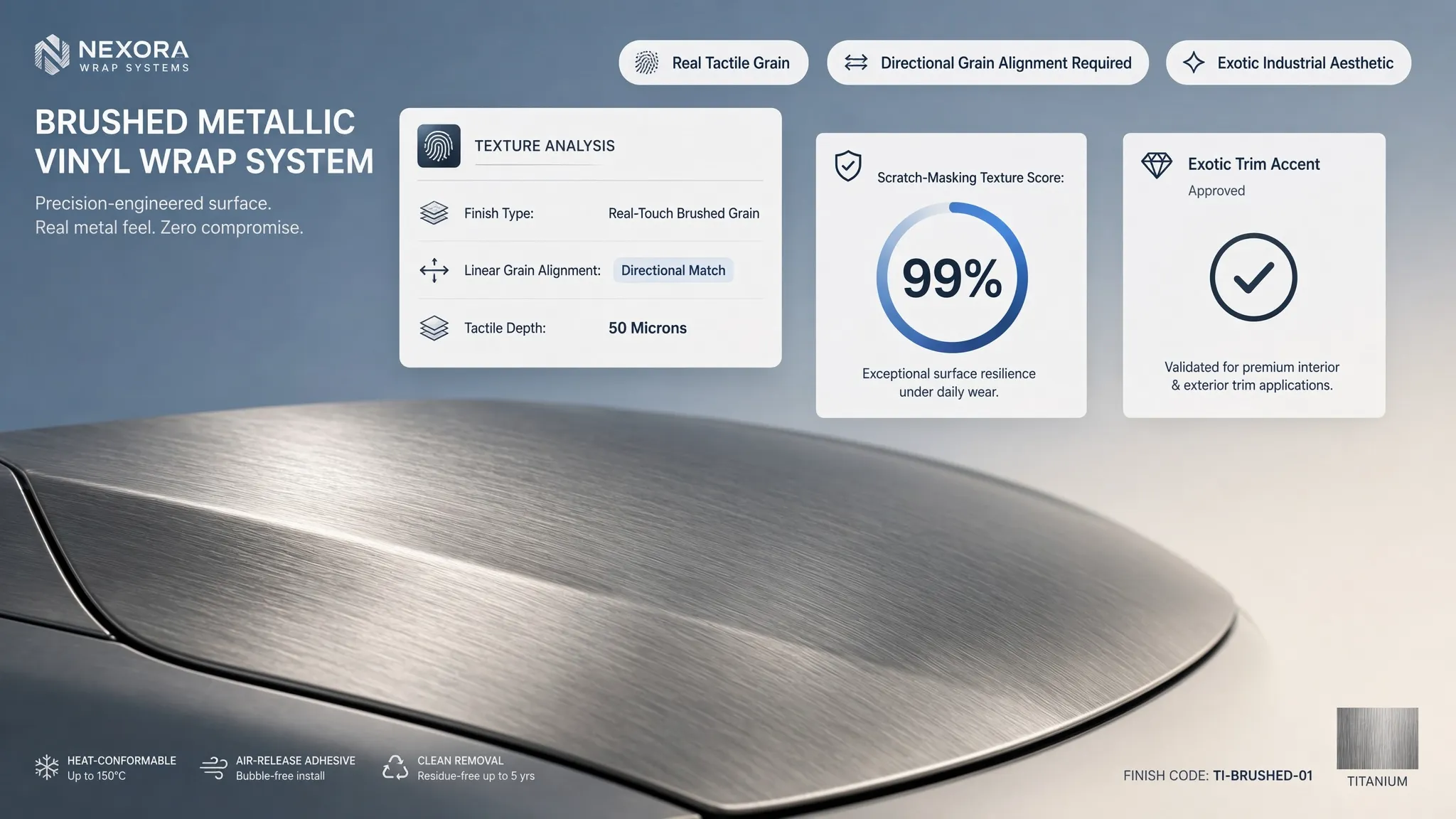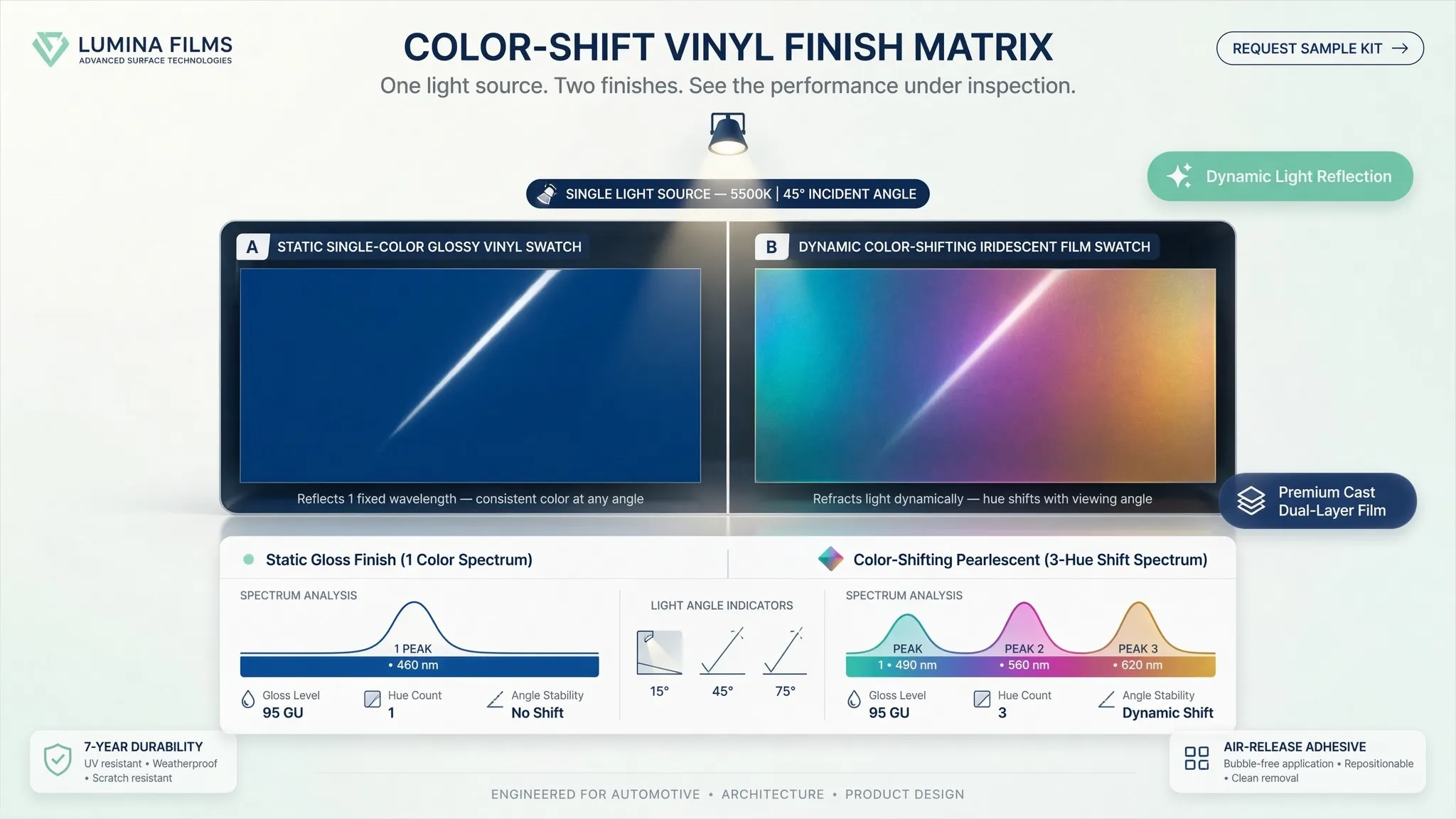
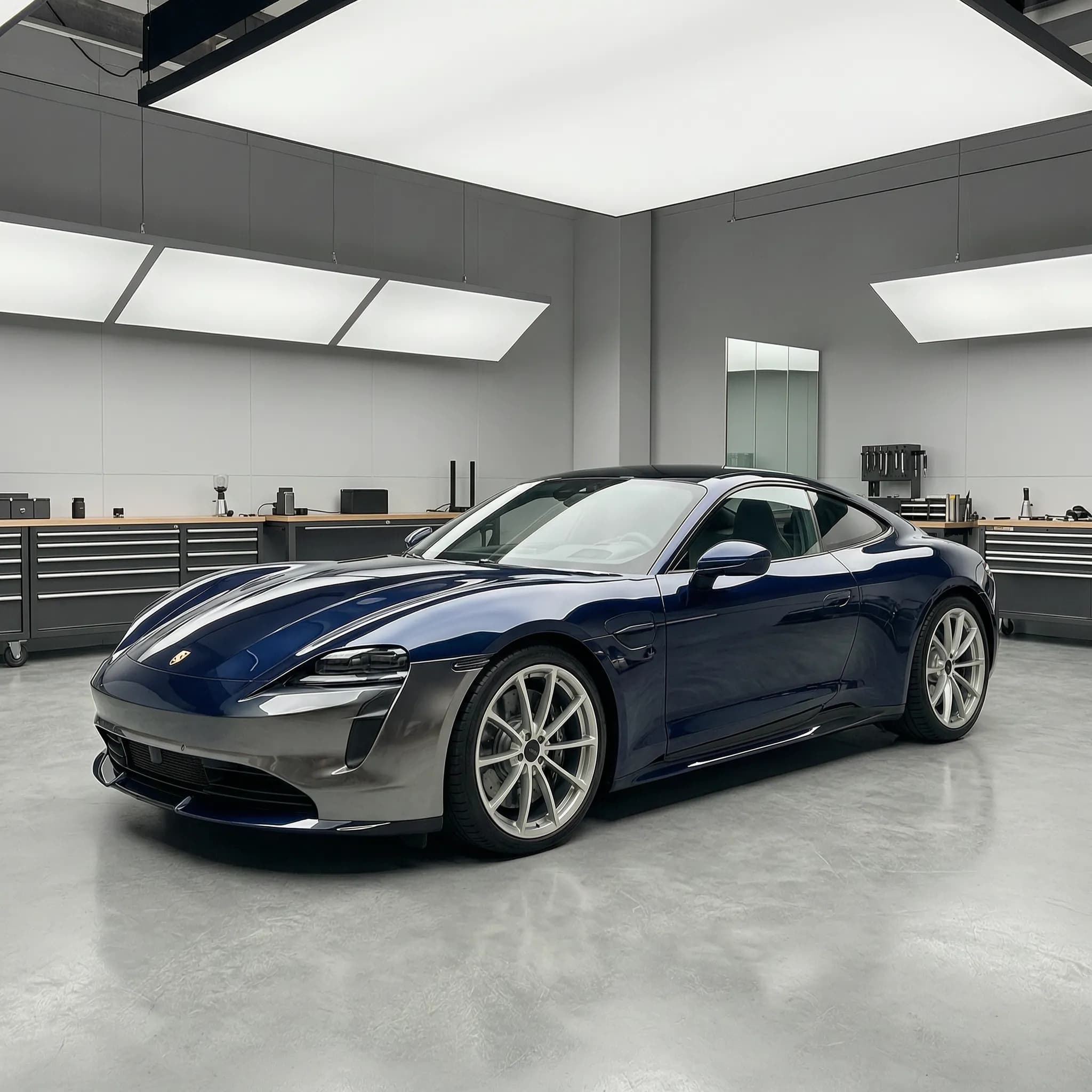
You want a premium build that commands the street, and you are wondering how you can possibly discover a 1-of-1 look without throwing blind darts at the dartboard. The pressure is intense. You are about to invest thousands of dollars on a custom color wrap, but trying to imagine how a flat swatch will look mapped across the aggressive, complex curves of your actual fenders is damn near impossible.
Naturally, you look for a way to see it before you buy it. Historically, that meant tracking down a digital artist to build a custom mockup in Photoshop.


Here is what that reality actually looks like:
- The Cost: A clean, multi-angle Photoshop mockup easily sets you back $150 to $500.
- The Waiting Game: It takes days—sometimes over a week—for the designer to send back a single draft.
- The Edit Cycle Nightmare: Want to see how it looks with a slightly darker shade, a chrome delete, or a satin finish instead of gloss? That's another 48 hours of waiting and extra revision fees.
You end up frozen in layout paralysis, bleeding time and patience while your car sits completely unchanged in the driveway.
Fortunately, the manual struggle is dead. Let’s put Traditional Photoshop Mockups side-by-side with a modern AI Car Wrap Generator to see which one actually wins the race for your next premium build.
The Showdown: Manual Photoshop vs. Instant AI
- Photoshop Manual Process:,$150 to $500+ per vehicle project,3 to 7 business days per draft iteration,Paid revision fees and slow delays,Years of expert, advanced digital editing skills
- AI Car Wrap Generator:Free tier to accessible instant tier,15 seconds for complete rendering,Instant, live, and completely unlimited,A single raw smartphone photo from your driveway
The Pain of the Photoshop Method
To build a realistic car wrap mockup in Photoshop, a designer has to manually trace every panel of your vehicle, set up complex reflection layers, adjust the lighting values, and manually warp a flat color texture over 3D curves.
If your car has custom wheels, a body kit, or unique modifications, the designer has to find matching digital assets online and graft them onto the image. It is a slow, painstaking process. If you change your mind on the color, they have to rebuild the hue and saturation masks from scratch
The Relief of the AI Method
An AI-powered system doesn't "paint" over your car. It understands the physical geometry of your actual vehicle. It analyzes the shadows, the reflections of the sky on your paint, and the precise lines of your fenders instantly.
Instead of waiting days for a single file, you get a fully rendered, photorealistic transformation mapped directly to your actual car chassis in seconds.
Step-by-Step: Crafting a Unique Wrap in Seconds
Ready to completely relieve the stress of your next build? You don’t need any editing skills, complex software, or a massive budget to achieve an architectural masterpiece.
Here is exactly how to manifest a completely customized, 1-of-1 design using your smartphone:
- Snap a Photo:
Walk out to your driveway and take a clear photo of your car.
Pro-tip: Use a three-quarter rear angle or a front profile angle. This captures the maximum amount of body lines, side skirts, and roof contrast, giving you the most complete visual look in a single frame.
- Create Your Project:Log into the AI Car Wrap platform, hit "Create New Project", and upload your raw smartphone photo directly. There's no need to crop, clean up the background, or isolate the car—the system's neural engine handles the edge detection automatically.
- Describe Your Vision & Generate:
type exactly what you desire into the prompt generator.
Example: "Satin dark basalt gray with gloss black accents and a subtle gold pinstripe" or "Aggressive matte racing livery". Hit Generate.
- Live Tweaking and Selection:
Within 15 seconds, the AI will present you with a showcase of highly unique styles mapped directly onto your car's body panels.
Find one you love? Save it. Want a quick change? If you want to see a minor adjustment—like changing the accent color or trying a different finish—you can tweak and make changes live, getting instant feedback.
The Ultimate Benefit: Absolute Certainty

By replacing the manual struggle with an intelligent visualizer, you save hours of stressful editing and hundreds of dollars in mockup costs.
But the biggest win is emotional.
When you can see your exact car wrapped in your dream design before spending a single dollar on vinyl installation, the anxiety of "wrap regret" completely evaporates. You gain absolute confidence in your decision, allowing you to walk into your local wrap shop with your high-resolution render in hand, ready to turn your exact vision into reality.
Frequently Asked Questions
Do I need professional photos of my vehicle for this to work?
Not at all. The system's neural engine is built to process raw, real-world images. You can snap a quick photo of your car right in your driveway using your phone. The platform automatically handles edge detection, isolates the vehicle from the background, and maps the textures flawlessly.
What angle works best when uploading my car?
For the highest level of visual certainty, we recommend a three-quarter rear angle or a front profile angle. These viewpoints capture the maximum amount of body lines, fenders, side skirts, and roof transitions in a single frame, giving you the most complete preview of your custom layout.
What happens if the generated wrap looks wrong? Can I fix it live?
Yes, and you can do it instantly. With traditional software, wanting a darker shade or a chrome delete means entering a painful, 48-hour revision loop with an editor—usually resulting in extra fees. Here, if a look doesn't immediately click, you simply tweak your description or change your texture preferences to see live updates instantly. You keep adjusting until the visual matches your absolute goal and desire.
I have my perfect high-resolution render. What do I do now?
Once your design clicks and feels completely perfect, you export your high-detail configuration in master-grade resolution. You don't walk into a shop empty-handed, hoping the installer understands your description. You hand them your exact, photorealistic render. You eliminate the guesswork, lock down an accurate quote based on Cost of wrapping a car, and watch your digital masterpiece manifest into reality.
Will testing different wrap concepts online affect my real-world paint?
Planning your dream build online carries zero risk, but when you transition to real life, you need to be informed. Enthusiasts always wonder: Will wrapping a car affect the original paint?Using our visualizer ensures you have your macro strategy finalized perfectly beforehand, so you can work confidently with a certified installer to protect your underlying factory clear coat.